Video recipe saver app

Turn video recipes into recipe cards you can actually cook from.

Bytful helps turn useful recipe videos from social saves, links, captions, screenshots, or copied text into reviewed cards for your cookbook, meal plan, grocery list, and cooking flow.

Start free with up to 7 saved recipes. Eligible subscribers can try Bytful Pro free for 7 days.

Video recipe saverTikTok recipe saverInstagram recipe saverYouTube recipe saver
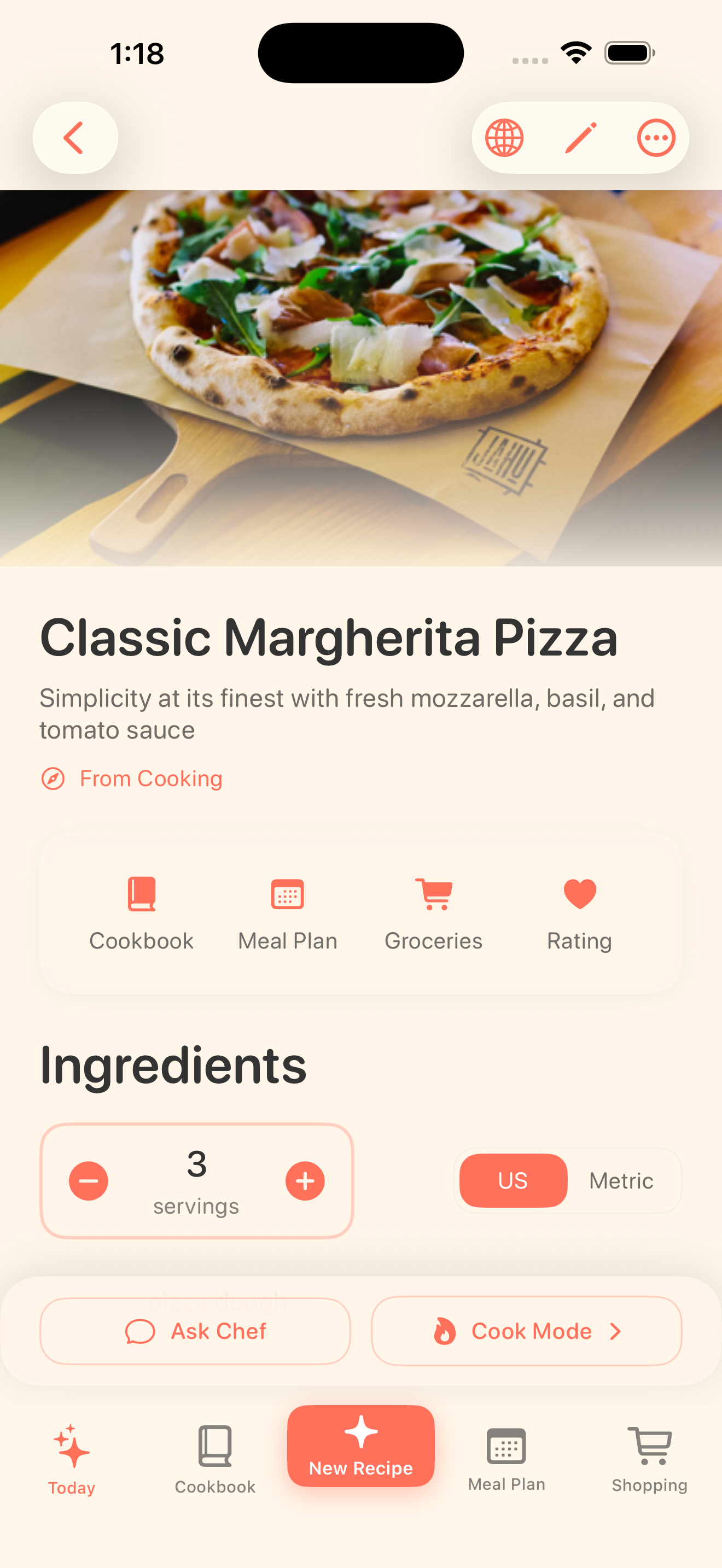
Bytful recipe detail screen showing a saved recipe organized into ingredients and steps.

Save from

Supported sources

Review into

Recipe cards

Use for

Plan, shop, cook

From watch to cook

A saved video is not the same as a usable recipe.

Short cooking videos are great for discovery, but they are not always easy to follow at the stove. Bytful helps capture recipe details from supported public videos when there is enough detail, then turns the useful parts into a draft recipe card you review.

  • Save details from supported public recipe videos and posts
  • Keep the original source nearby while reviewing
  • Avoid cooking from a half-remembered clip

After the save

The video becomes part of the dinner workflow.

Once the recipe card looks right, Bytful can keep it in your cookbook, add it to a weekly meal plan, build an aisle-sorted grocery list from planned recipes, and open it in Cooking Mode.

  • Organize video recipes with the rest of your cookbook
  • Plan only the recipes you actually intend to cook
  • Shop and cook from reviewed recipe cards

How it works

From recipe idea to dinner plan.

1

Find a useful video

Start with a public recipe video, post, description, caption, or transcript that has enough recipe detail to review.

2

Save it to Bytful

Use the supported share, link, paste, screenshot, or text path that fits the source.

3

Review before cooking

Check ingredients, quantities, steps, timing, serving size, and missing details before planning or shopping.

Questions

What people ask before downloading.

Can Bytful save every recipe video automatically?

No. Video sources vary. Bytful works best when the public post, caption, description, transcript, screenshot, or copied text has enough recipe detail to review.

Is Bytful a video downloader?

No. Bytful is a recipe-saving app. The goal is to help turn recipe details from supported sources into reviewed recipe cards, not to download or repost videos.

What can I do after saving a video recipe?

After review, you can keep the recipe in your cookbook, add it to a meal plan, build a grocery list from planned recipes, and cook from the saved card.

7-day Pro trial

Start with Bytful Free, then unlock the full workflow.

Free gives you room to save your first recipes. Pro adds unlimited saves, Smart Plan, grocery lists, and hands-free Chef Byte help for weekly cooking.