1
Check whether the video is actually a recipe
Look for ingredients, quantities, steps, and timing in the description, captions, transcript, or spoken instructions. Some videos are inspiration only.
YouTube recipe saver
Bytful helps iPhone cooks move useful YouTube recipes out of watch history and into a recipe workflow. Save the link, review the card, then decide whether it belongs in your cookbook, meal plan, grocery list, and cooking flow.
Start free with up to 7 saved recipes. Eligible subscribers can try Bytful Pro free for 7 days.
How to save it
1
Look for ingredients, quantities, steps, and timing in the description, captions, transcript, or spoken instructions. Some videos are inspiration only.
2
Move the useful recipe out of your watch history, playlist, or browser tab by saving the link into Bytful on iPhone.
3
Check the saved card against the original video before keeping it. Fix missing ingredients, unclear quantities, timing, and steps before planning from it.
4
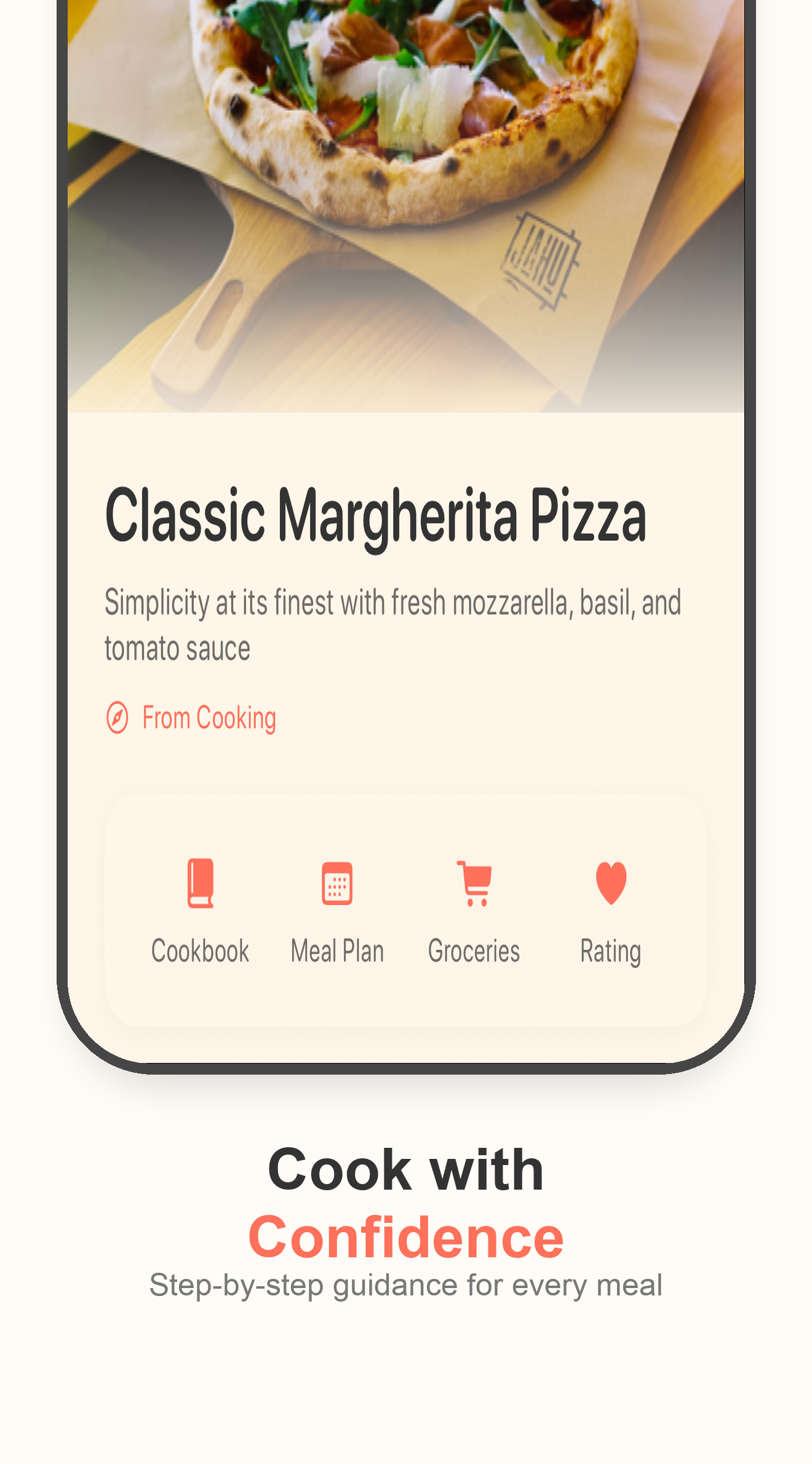
Once the recipe is reviewed, add it to a meal plan, build a grocery list from planned recipes, and open Cooking Mode when it is time to cook.
Capture
A cooking video is hard to use later when it lives only in YouTube history or a saved playlist. Bytful gives the recipe a place in your cookbook workflow.
Review
A video needs enough detail before it can become dinner. Review the recipe card first so missing details do not reach the grocery list.
Cook
Keep the original video for visual technique when you need it. Use the reviewed recipe card for planning, shopping, and following the recipe flow.
Questions
Bytful works best when the video includes enough recipe detail in the description, captions, transcript, or spoken instructions. Some videos are better kept as inspiration.
Yes. Check the recipe card against the original source before adding it to a meal plan or grocery list, especially if quantities, timing, or steps are unclear.
Once the recipe is reviewed, you can organize it in your cookbook, add it to a meal plan, build a grocery list, and cook from the same saved card.
Related Bytful pages
Try one recipe first