1
Find the TikTok cooking video
Choose a video with enough recipe detail to extract. Spoken instructions, captions, and ingredient lists make the saved card more useful.
TikTok recipe saver
Bytful helps iPhone cooks keep recipes from TikTok videos without rebuilding ingredients, steps, and grocery lists from scratch later.
Start free with up to 7 saved recipes. Eligible subscribers can try Bytful Pro free for 7 days.
How to save it
1
Choose a video with enough recipe detail to extract. Spoken instructions, captions, and ingredient lists make the saved card more useful.
2
Tap the share arrow, open the iPhone share sheet, and choose Bytful. Add Bytful to your share options if it is not already visible.
3
Bytful uses the video description and transcript when available, then shows a recipe preview so you can review ingredients and steps.
4
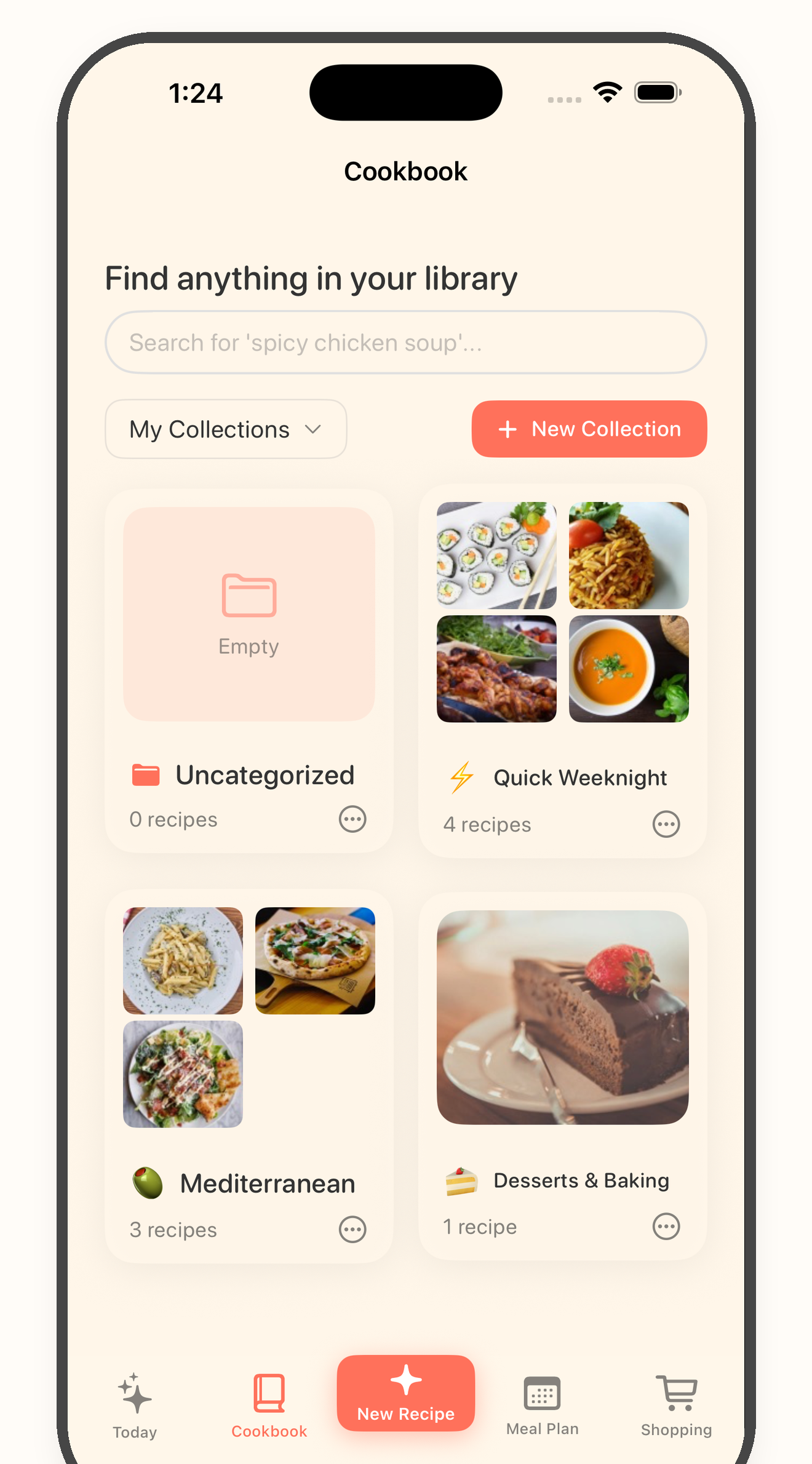
Save the recipe to your cookbook, then use it later for planning dinner, building a grocery list, or following the cooking steps.
Saved video problem
TikTok is great for discovery, but scrolling back through saved videos is a poor way to cook dinner on a busy night.
Import quality
Bytful is strongest when the creator included enough recipe detail. A fast montage with no ingredient detail may need manual cleanup.
Next step
Once the recipe is in Bytful, you can bring it into the rest of your kitchen workflow instead of trying to remember what the video said.
Questions
It can help when the video has clear spoken recipe instructions or useful description text. If a video does not include enough recipe detail, review and cleanup may be needed.
Bytful is iPhone-first and available on the App Store.
Yes. After saving a recipe into Bytful, you can keep it in your cookbook and organize it with your other saved recipes.
Related Bytful pages
Try one recipe first