1
Open the Instagram recipe
Find the post or Reel you want to keep. Clear captions, ingredient lists, and spoken step-by-step videos give Bytful the best recipe signal.
Instagram recipe saver
Bytful is built for iPhone cooks who find dinner ideas in Instagram posts and Reels, then need those recipes cleaned up enough to search, plan, shop, and cook from later.
Start free with up to 7 saved recipes. Eligible subscribers can try Bytful Pro free for 7 days.
How to save it
1
Find the post or Reel you want to keep. Clear captions, ingredient lists, and spoken step-by-step videos give Bytful the best recipe signal.
2
Tap the Instagram share icon, open the share options, and choose Bytful. If Bytful is not visible yet, add it from the More menu.
3
Bytful extracts the recipe from the available caption or transcript, then shows a preview so you can check the ingredients and steps.
4
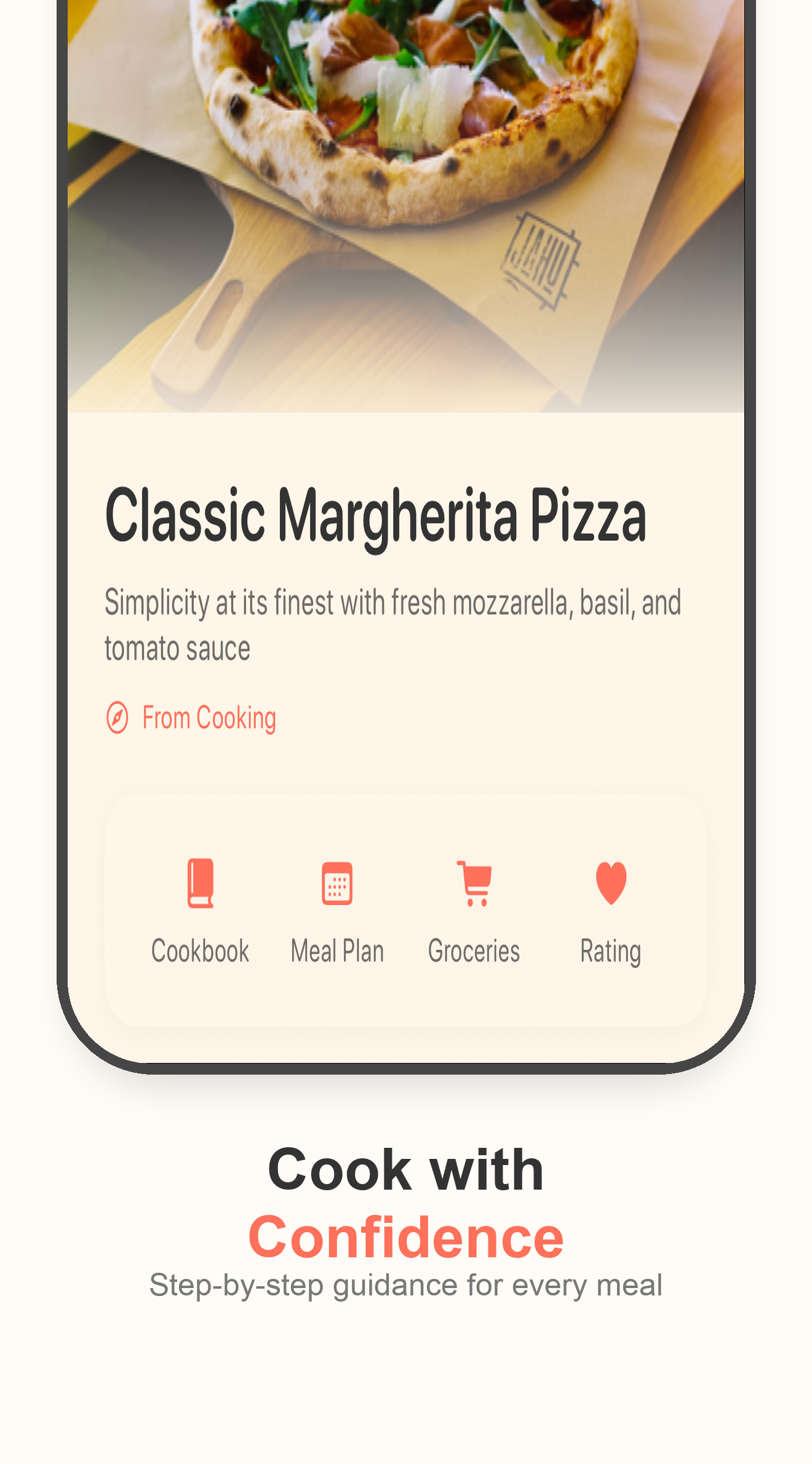
Once the card looks right, save it into your cookbook. Later, send it into a meal plan, grocery list, or guided cooking flow.
Best fit
Instagram saves can become a giant recipe inbox. Bytful helps separate the ideas worth keeping from the posts you only liked in the moment.
Review step
Social posts vary a lot. Bytful gives you a cleaner recipe card, but the useful habit is to review the import before you trust it.
Kitchen flow
The bigger win is turning that saved recipe into something you can use when planning dinner or shopping for ingredients.
Questions
No app can guarantee every social post imports perfectly. Bytful works best when the recipe details are in the caption or spoken clearly in the video, and you should review the preview before saving.
It is better to think of Bytful as the place for recipes you want to cook. Instagram saves can stay as inspiration, while Bytful keeps the recipes you want searchable and usable.
Yes. After a recipe is saved in Bytful, you can use it in meal planning and build a grocery list from the planned recipes.
Related Bytful pages
Try one recipe first