1
Pick one recipe source
Start with the biggest mess: Instagram saves, TikTok videos, screenshots, websites, notes, or pasted recipe text. Do not try to clean everything at once.
Recipe inbox cleanup
Bytful is built for iPhone cooks whose recipes live in saved posts, screenshots, browser tabs, notes, and copied text instead of one cookbook.
Start free with up to 7 saved recipes. Eligible subscribers can try Bytful Pro free for 7 days.
How to save it
1
Start with the biggest mess: Instagram saves, TikTok videos, screenshots, websites, notes, or pasted recipe text. Do not try to clean everything at once.
2
Share, paste, scan, or type the recipes that have enough detail to become a useful card. Inspiration can stay where it is.
3
Check ingredients, steps, timing, and missing details before the recipe earns a place in your cookbook.
4
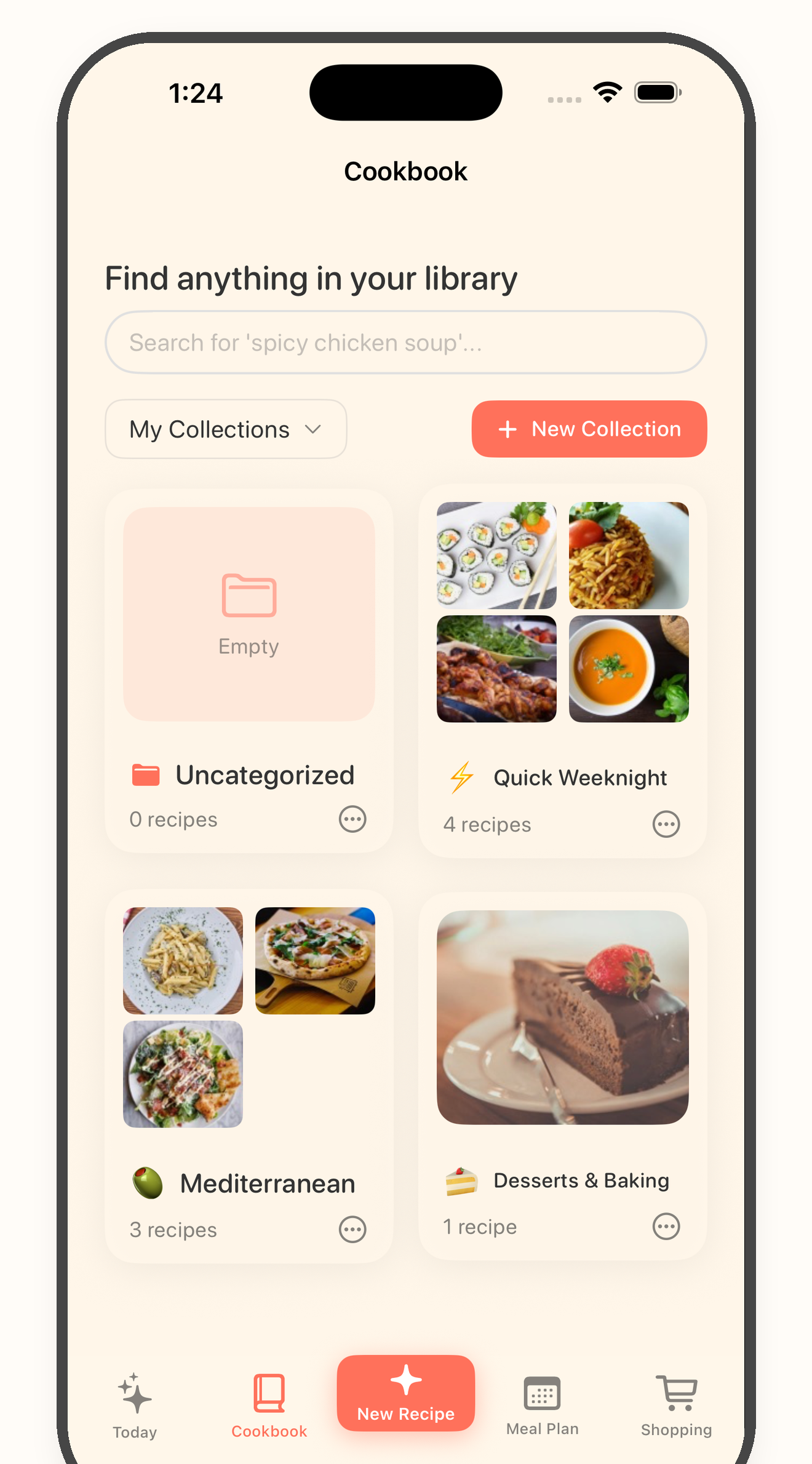
Use the cookbook for storage, the meal plan for recipes you will cook soon, and the grocery list for what you need to buy.
Capture
Saved posts and screenshots are fast capture tools, but they are not a usable cookbook by themselves.
Curate
The point is not to import every recipe. The point is to keep the ones that are clear enough and interesting enough to cook.
Use
Once a recipe is saved, Bytful can help it move into planning, grocery shopping, and cooking instead of sitting untouched.
Questions
It is the pile of recipe ideas you collect before deciding what belongs in your real cookbook: saved posts, screenshots, links, notes, and copied text.
No. Bytful works best when you save recipes you want to cook and review the imported card before keeping it.
Yes. Once recipes are saved in Bytful, you can use them for meal planning, grocery lists, and cooking mode.
Related Bytful pages
Try one recipe first