1
Save the recipes first
Add recipes from social posts, websites, screenshots, photos, notes, or pasted text. Review each recipe card before relying on it for shopping.
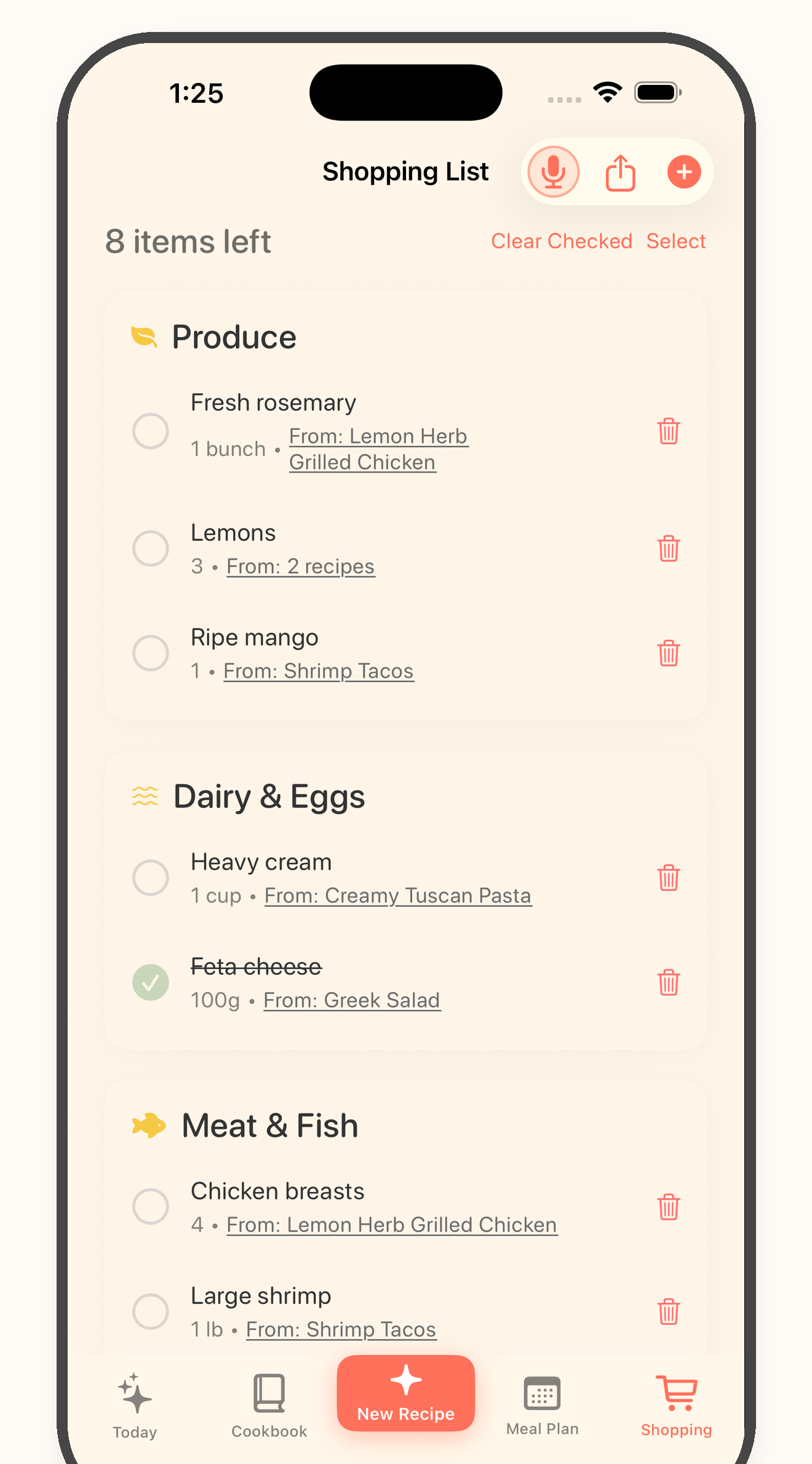
Grocery list from recipes
Bytful helps iPhone cooks move from saved recipes to a practical grocery list, so shopping follows the meals you actually plan to cook.
Start free with up to 7 saved recipes. Eligible subscribers can try Bytful Pro free for 7 days.
How to save it
1
Add recipes from social posts, websites, screenshots, photos, notes, or pasted text. Review each recipe card before relying on it for shopping.
2
Put the recipes you actually want this week into your meal plan. This keeps the grocery list focused on real meals instead of your whole cookbook.
3
Use Bytful to turn planned recipe ingredients into a grocery list that is easier to scan while shopping.
4
Check quantities, pantry items, and swaps before you buy. A good grocery list still benefits from a quick human review.
Better input
A grocery list works best when it comes from a plan. Bytful keeps the list connected to the recipes you intend to cook soon.
Store flow
The goal is a list you can scan quickly at the store, not a copied ingredient paragraph from five different recipes.
Kitchen flow
After shopping, the recipe card stays ready for Cooking Mode, so the grocery list is part of the full dinner workflow.
Questions
Yes. Once a supported social recipe is saved and reviewed in Bytful, it can be used with meal planning and grocery lists.
Yes. Check quantities, pantry items, and any substitutions before shopping, especially when recipes came from social posts or screenshots.
The cleanest workflow is to build grocery lists from planned recipes, because that keeps shopping tied to meals you actually intend to cook.
Related Bytful pages
Try one recipe first