iPhone recipe organization
Organize saved recipes on iPhone without rebuilding your whole kitchen.
A practical workflow for turning scattered recipe saves from social posts, websites, photos, screenshots, notes, and text into a cookbook you can plan, shop, and cook from.
Published May 28, 2026.
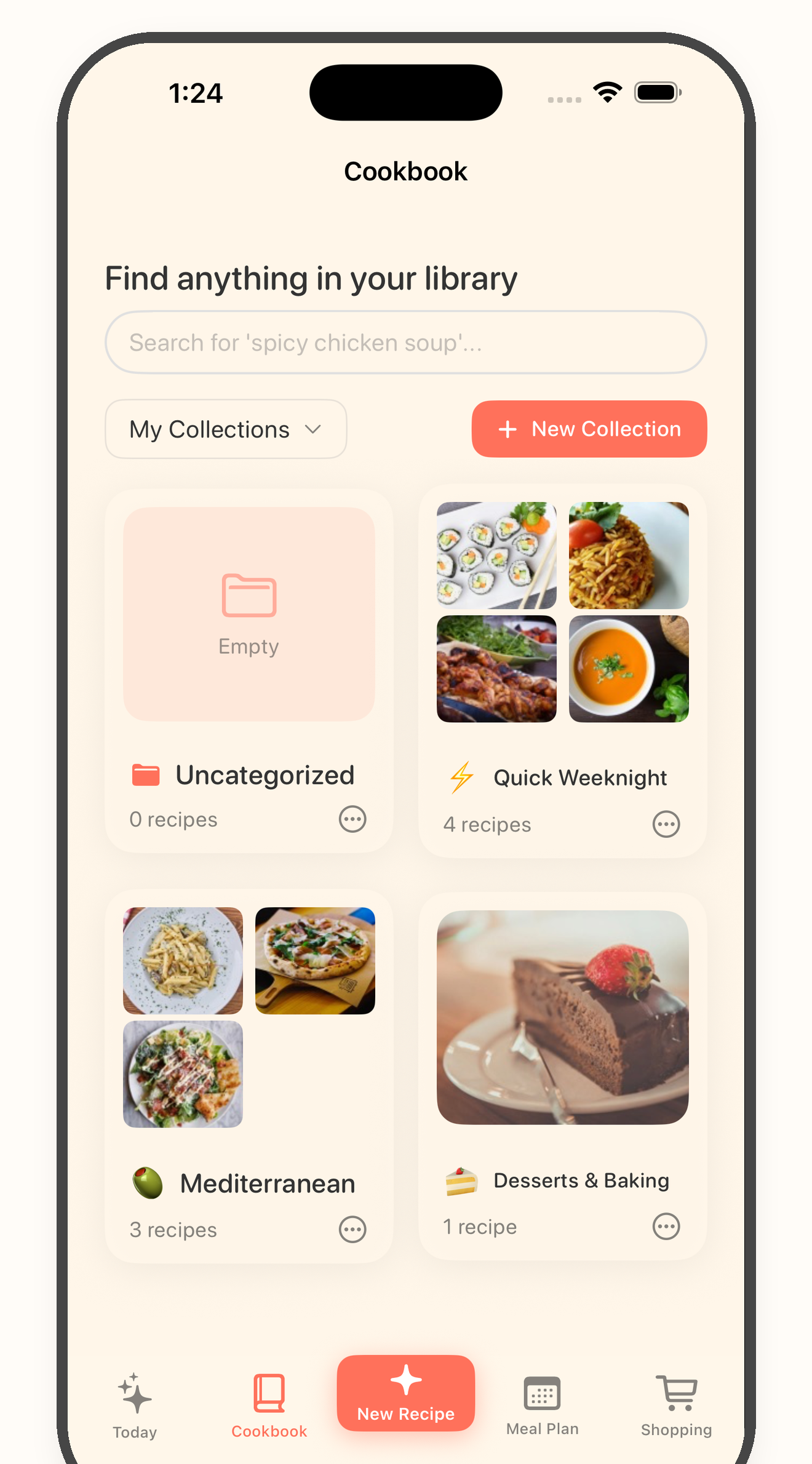
The core idea
Saved recipes need a path, not another folder.
Most recipe organization systems start too late. They ask you to sort everything after years of screenshots, bookmarks, saved posts, and half-finished notes have already piled up.
A better iPhone workflow starts with one source, turns the useful recipes into reviewed cards, and only then sends them into meal planning, grocery shopping, and cooking.
Six-step workflow
From saved recipe to dinner plan.
1
Pick the recipe source causing the most clutter
Start with the place where recipes disappear fastest: Instagram saves, TikTok bookmarks, camera roll screenshots, recipe websites, Notes, texts, or copied recipe blocks.
2
Move only useful recipes into a review flow
Do not organize every saved idea. Choose recipes with enough visible ingredients, steps, timing, or context to become a cookable card.
3
Review the recipe card before saving
Check the title, servings, ingredients, quantities, steps, and any missing details before the recipe becomes part of your cookbook.
4
Plan meals from reviewed recipes
Use the cookbook as the planning source. That keeps the weekly plan focused on recipes you actually want to cook, not every post you ever saved.
5
Build the grocery list from the plan
Turn planned recipes into one grocery list, then review pantry staples, duplicates, servings, and swaps before shopping.
6
Cook from the saved recipe
Open the recipe when it is time to cook so the steps, timers, and cooking help stay tied to the reviewed card instead of the original messy source.
Start with one source
Pick the place recipes disappear most often.
You do not need to clean every saved recipe in one sitting. Choose the highest-friction source first, save the recipes worth keeping, and leave loose inspiration where it is until it is useful.
Good first sources
Cookbook keepers
A saved recipe should earn its spot.
The goal is not a bigger cookbook. The goal is a cookbook that can answer dinner, shopping, and cooking questions without sending you back through a messy camera roll or saved-post tab.
- * The recipe has enough detail to cook from.
- * The ingredient list and quantities make sense after review.
- * The steps are clear enough to follow at the stove.
- * The recipe fits your preferences after you review possible swaps yourself.
- * The recipe is likely to be cooked soon enough to deserve a place in the cookbook.
- * The grocery list can be checked before shopping.
Keep going
Turn saved recipes into a kitchen workflow.
Tool
Recipe chaos score
Score how scattered your current recipe system is before deciding what to clean first.
Guide
Clean up a recipe inbox
Use a save-first workflow before deciding which recipes belong in your cookbook.
Article
Organize recipes from social posts and screenshots
Turn Instagram, TikTok, screenshots, websites, notes, and text into one cooking workflow.
Try one source first
Save one recipe, review the card, and cook from your iPhone cookbook.
Start free with up to 7 saved recipes. Eligible subscribers can try Bytful Pro free for 7 days.