1
Capture recipes where you find them
Use Bytful when a recipe is worth keeping: a social post, website, screenshot, photo, note, or pasted block of text.
Recipe organizer workflow
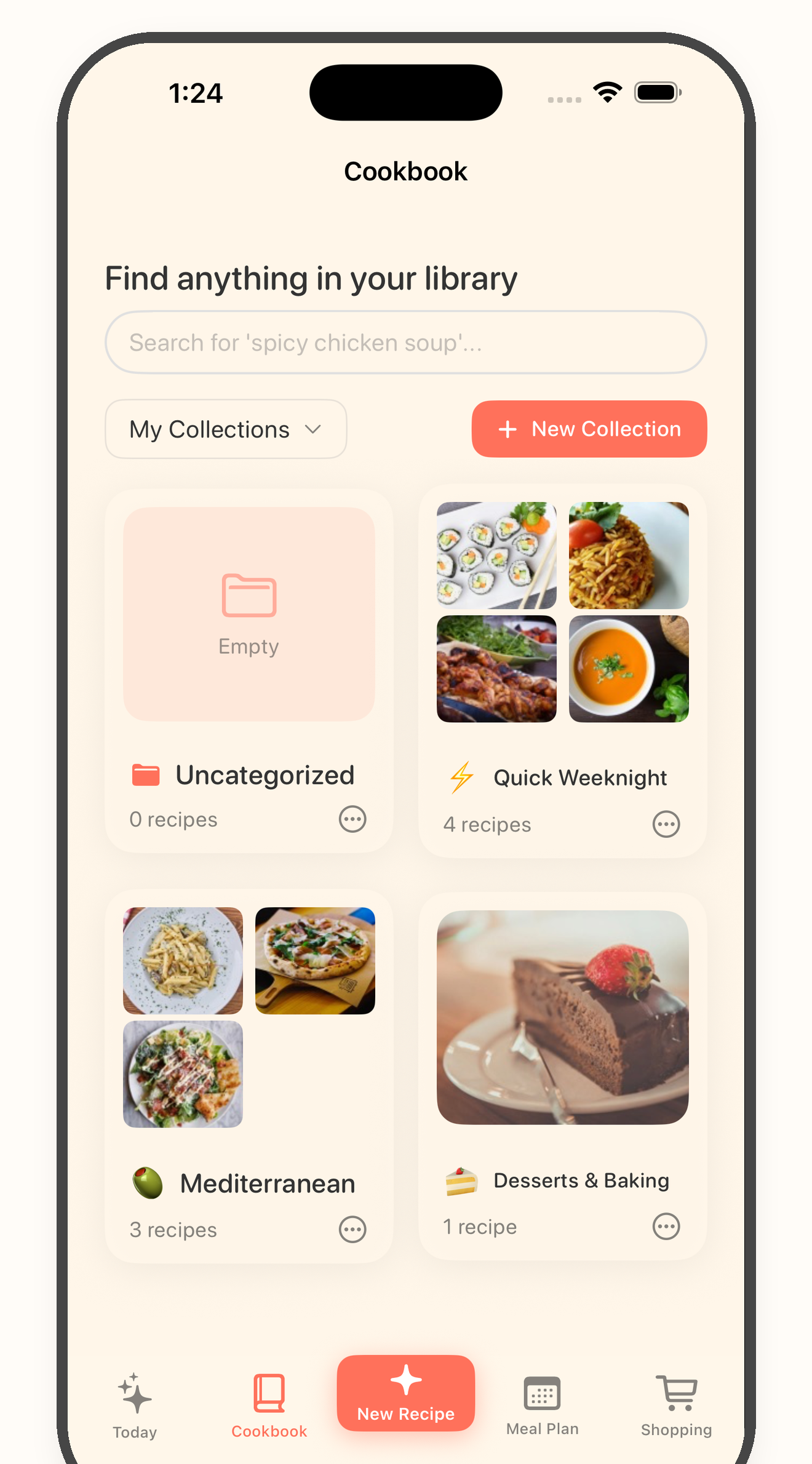
Bytful helps iPhone cooks turn scattered recipe ideas from social posts, websites, screenshots, photos, notes, and text into recipe cards they can plan, shop, and cook from.
Start free with up to 7 saved recipes. Eligible subscribers can try Bytful Pro free for 7 days.
How to save it
1
Use Bytful when a recipe is worth keeping: a social post, website, screenshot, photo, note, or pasted block of text.
2
Check the title, ingredients, steps, quantities, and missing details. Social posts and screenshots can vary, so the preview matters.
3
Keep recipes you actually want to cook in your cookbook. Leave loose inspiration in the original app if it is not ready to become dinner.
4
Move saved recipes into a meal plan, build the grocery list from planned meals, and open the cooking flow when it is time to cook.
Social posts
Bytful is useful when a saved social post needs to become a recipe you can search and cook from later.
Screenshots and photos
Screenshots are fast to collect but hard to cook from. Bytful can help turn readable recipe images into a structured card.
Websites and notes
A recipe link or note becomes more useful when it lives beside the rest of your cookbook and planning workflow.
Questions
Yes. Bytful is designed around recipes coming from social posts, websites, photos, screenshots, notes, and text, then becoming saved recipe cards.
No. Source quality matters. Clear captions, readable screenshots, useful website text, and complete recipe notes work better, and you should review each card before saving.
Use the recipes you want to cook soon in a meal plan, then build a grocery list from those planned meals.
Related Bytful pages
Try one recipe first