Recipe organization article
Organize recipes from Instagram, TikTok, and screenshots.
Saved posts and recipe screenshots are useful only when you can find, plan, shop, and cook from them. This workflow turns scattered recipe ideas into a cookbook, meal plan, aisle-sorted grocery list, and cooking guide.
Published May 28, 2026.
The core idea
Social saves are discovery. Your cookbook is the system.
Instagram, TikTok, browser tabs, screenshots, and notes are good at catching inspiration. They are not good at answering what is for dinner, what to buy, or which step comes next while your hands are busy.
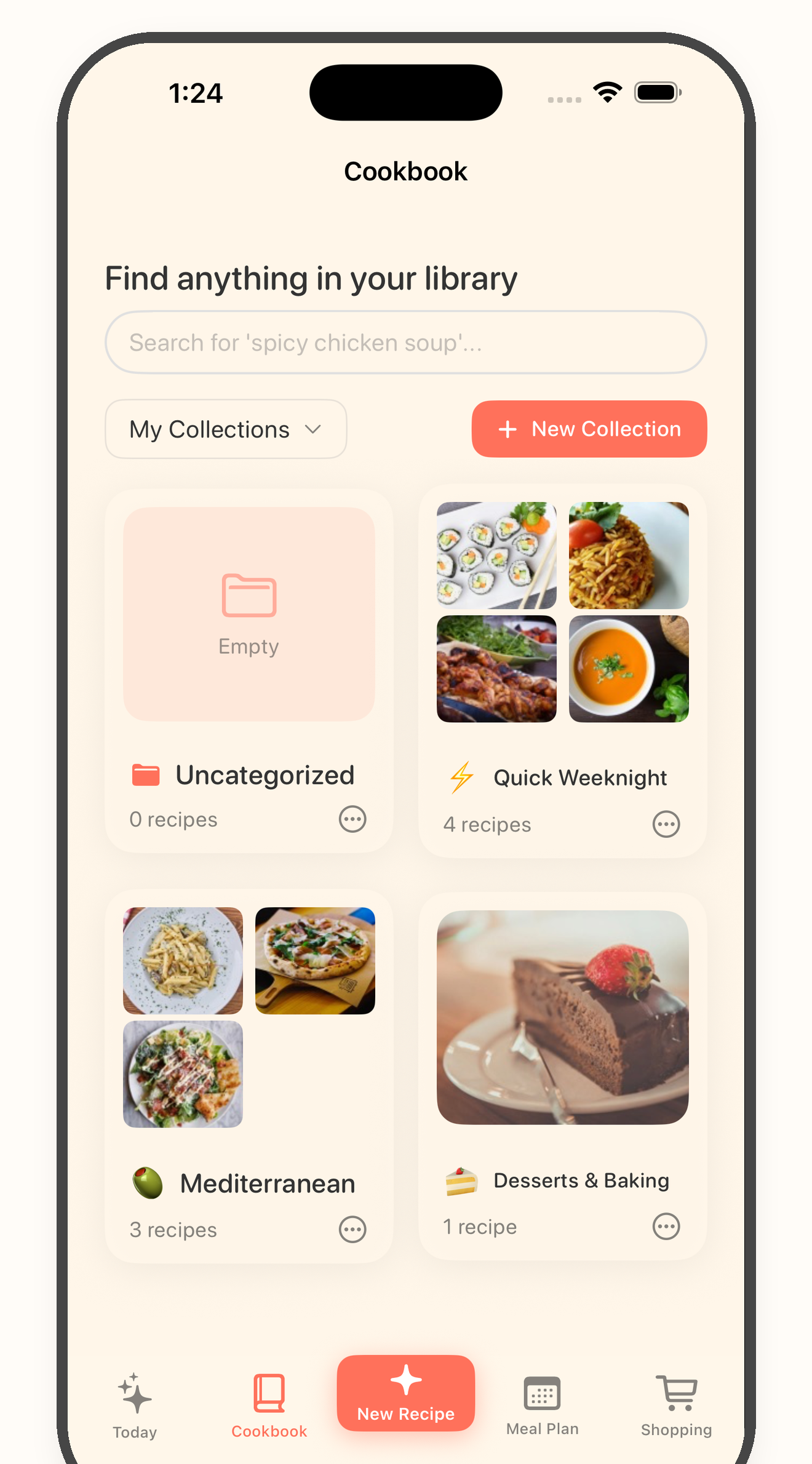
A cleaner workflow separates capture from planning. Save the recipe idea, review the card, keep only cookable recipes in your cookbook, then use those recipes for the plan, grocery list, and cooking flow.
Five-step workflow
From saved post to dinner you can actually cook.
1
Collect recipes from the places you already save them
Start with the sources that create the most clutter: Instagram posts, TikTok videos, recipe websites, photos, screenshots, notes, and copied recipe text.
2
Turn each keeper into a recipe card
Use Bytful to bring the recipe into a structured card, then review the title, ingredients, quantities, timing, and steps before relying on it.
3
Save only cookable recipes to your cookbook
A cookbook should hold recipes you can search, plan, shop for, and cook from. Leave loose inspiration in the original app until it is worth saving.
4
Plan from the cookbook, not from scattered saves
Choose recipes from your saved cookbook, use preferences and ingredients you want to use as planning inputs, and review the meal plan before saving it.
5
Shop and cook from the plan
Turn planned recipes into an aisle-sorted grocery list, then use Cooking Mode and Chef Byte cooking help when it is time to cook.
What changes
Use one flow from capture to cooking.
Bytful works best when every saved recipe has a next step. A post can become a reviewed card. A reviewed card can become a planned meal. A planned meal can become a grocery list. A cooked recipe can stay useful in your cookbook.
Capture
Save recipes from scattered sources
Bring in recipes from supported social posts, websites, readable photos and screenshots, notes, and pasted text.
Organize
Keep the useful recipes in one cookbook
Review cleaned cards before they become searchable recipes you can use for planning, shopping, and cooking.
Plan
Build a meal plan with a preference-aware helper
Start with your cookbook, then use preferences and ingredients you want to use as inputs for an editable weekly plan.
Shop
Turn planned meals into an aisle-sorted grocery list
Use the grocery list after you review quantities, pantry staples, duplicates, and any swaps.
Cook
Follow a hands-free cooking guide
Open Cooking Mode for larger steps, timers, and Pro hands-free Chef Byte help while your hands are busy.
Before you rely on it
Review each recipe before it drives the week.
Social videos, captions, photos, and screenshots can be incomplete. Before a recipe becomes dinner, check the card, plan, and grocery list yourself.
Organization checks
- * The recipe source has enough visible ingredients, quantities, and steps.
- * The imported card was reviewed before saving.
- * The recipe is something you want to cook, not just inspiration.
- * Preferences and ingredients were checked before accepting a plan.
- * Pantry staples and duplicate ingredients were reviewed before shopping.
- * Cooking questions stay inside the recipe flow when you use Chef Byte.
Keep going
Turn scattered saves into a kitchen workflow.
Guide
Organize recipes from everywhere
The full Bytful guide for Instagram, TikTok, screenshots, websites, photos, notes, and text.
Article
The recipe inbox system
Use a save-first workflow before deciding which recipes belong in the weekly plan.
Feature
Cook with Chef Byte
Use Chef Byte for substitutions, timing questions, step explanations, and hands-free cooking support.
Try one source first
Save one recipe, review the card, and cook from a cleaner plan.
Start free with up to 7 saved recipes. Eligible subscribers can try Bytful Pro free for 7 days.