1
Save and review the recipe first
Voice help works best after the recipe is already cleaned up. Save the recipe from a supported post, website, photo, screenshot, note, or text, then review the ingredients and steps.
Voice-controlled recipe app
Bytful helps turn saved recipes into reviewed cards you can follow in Cooking Mode. Basic Cooking Mode is free; Pro adds hands-free voice help and deeper Chef Byte support while your hands are busy.
Start free with up to 7 saved recipes. Eligible subscribers can try Bytful Pro free for 7 days.
How to save it
1
Voice help works best after the recipe is already cleaned up. Save the recipe from a supported post, website, photo, screenshot, note, or text, then review the ingredients and steps.
2
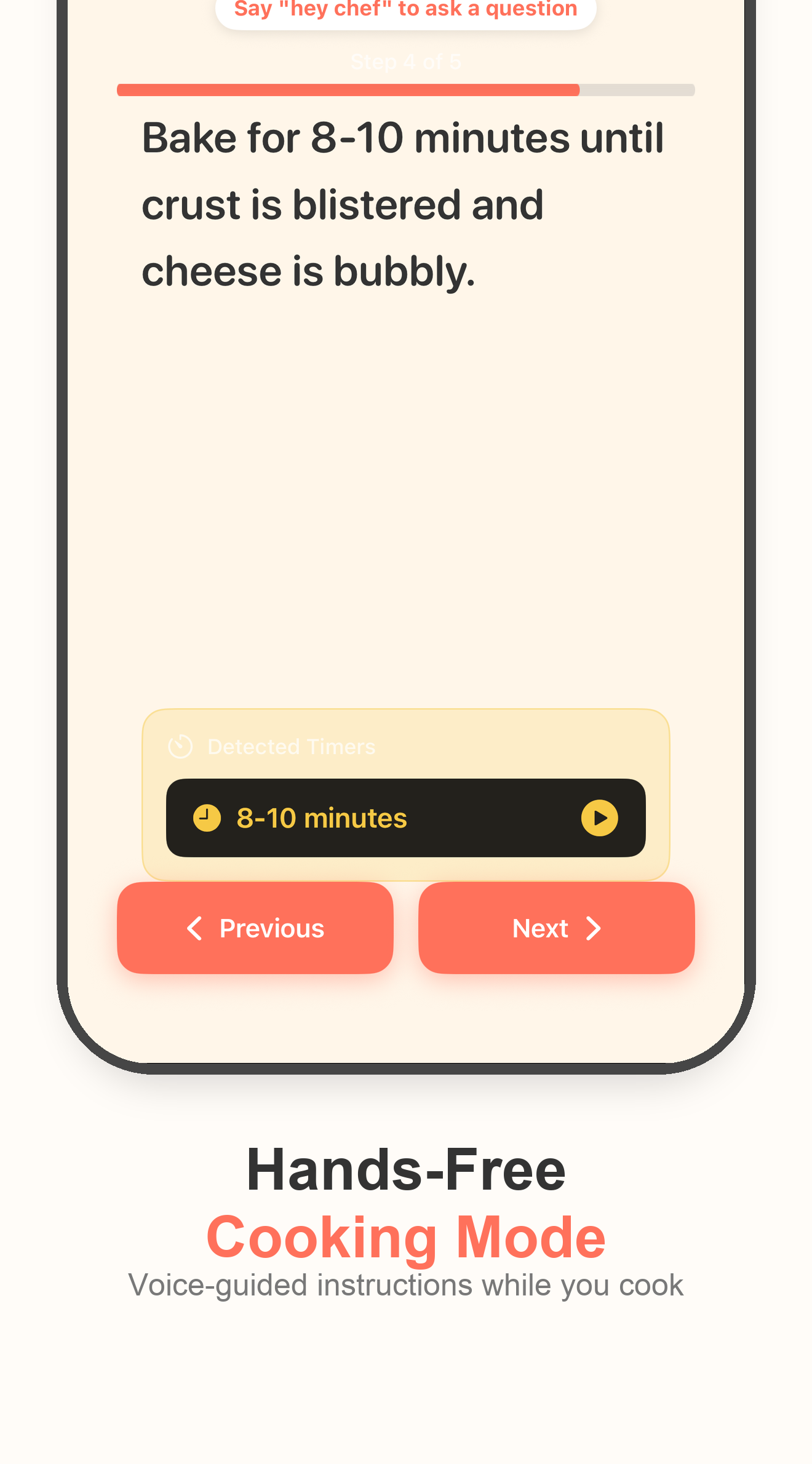
Open the saved recipe and start Cooking Mode so the recipe appears in a focused view with larger steps and cooking timers.
3
With Bytful Pro, turn on voice activation inside Cooking Mode, then use commands such as next step, repeat, read ingredients, start timer, stop timer, or go back.
4
Use Chef Byte for substitution ideas, timing questions, step explanations, measurements, and cooking technique without leaving the recipe screen.
Hands busy
A recipe saved from a social post, website, or screenshot can be hard to read while cooking. Cooking Mode keeps the recipe focused and easier to scan.
Voice commands
Bytful does not require a wake word inside Cooking Mode. After voice activation is on, supported commands help you move through the recipe.
Cooking help
Chef Byte can help when a step is unclear, but it is cooking assistance rather than a food-safety authority.
Questions
Basic Cooking Mode is part of the free experience. Hands-free voice help and deeper Chef Byte support are Pro features, with an eligible 7-day free trial available through Apple.
When voice help is active, Bytful can respond to commands such as next step, go back, repeat, read ingredients, start timer, and stop timer.
No. Chef Byte is cooking assistance, not a food safety guarantee. Always check temperatures, allergens, labels, and doneness yourself before serving food.
Related Bytful pages
Try one recipe first