1
Open the recipe email on your iPhone
Start with the newsletter, Substack post, forwarded email, or recipe link you want to keep. Look for the actual recipe details, not just a photo or teaser.
Email recipe saver
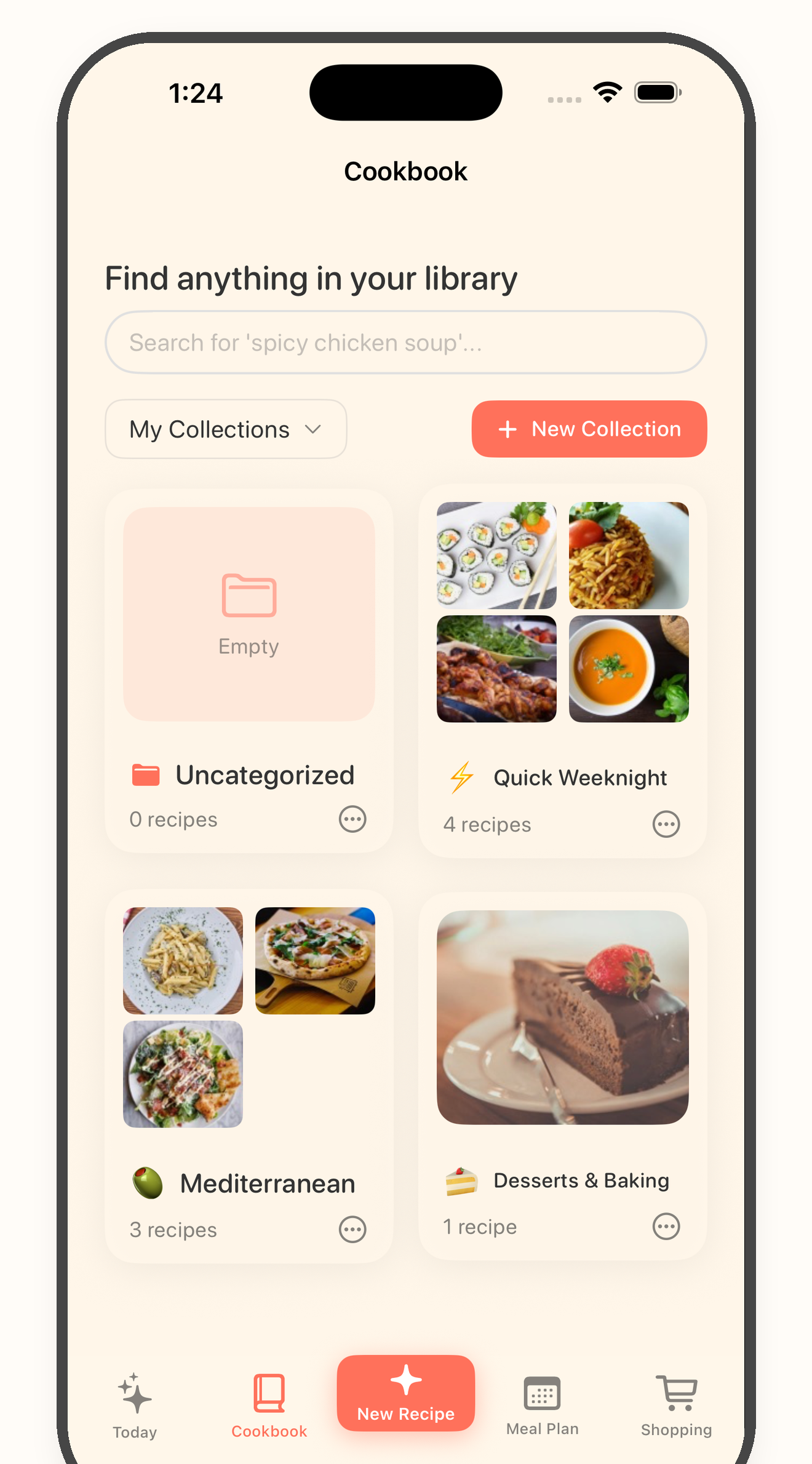
Bytful helps iPhone cooks move useful recipes from email newsletters, Substack posts, copied links, screenshots, and pasted text into reviewed recipe cards before planning, shopping, or cooking.
Start free with up to 7 saved recipes. Eligible subscribers can try Bytful Pro free for 7 days.
How to save it
1
Start with the newsletter, Substack post, forwarded email, or recipe link you want to keep. Look for the actual recipe details, not just a photo or teaser.
2
Use the public recipe link when there is one. If the recipe lives inside the email, copy the ingredients and steps, or keep readable screenshots nearby for review.
3
Share the supported link to Bytful or paste the recipe text into a new card, then compare the preview against the original email before saving it.
4
Once the recipe card looks right, add it to a collection, plan it for a meal, build an aisle-sorted grocery list, or cook from the reviewed card instead of searching your inbox.
Inbox cleanup
Recipe newsletters are easy to save and hard to reuse. A dedicated cookbook keeps the recipes you want to repeat closer to meal planning and shopping.
Review step
Emails can include stories, ads, partial previews, links, and formatting that does not belong in the final recipe. Review the card before it reaches your grocery list.
Better workflow
You do not need every newsletter idea in your cookbook. Move the keepers into Bytful so they can support planning, shopping, and guided cooking later.
Questions
No. Use recipe links, copied text, screenshots, photos, or notes you choose to import. Bytful does not automatically read your inbox.
No. Some emails include previews, private links, paywalled content, or incomplete details. Use the preview and review the recipe before saving, shopping, or cooking from it.
Check the title, source, servings, ingredient amounts, units, steps, timing, substitutions, labels, allergens, and any dietary preference details yourself.
Related Bytful pages
Try one recipe first