1
Open the Pinterest recipe idea
Start with a pin, board item, screenshot, or source page that has enough recipe detail. A pretty food photo alone usually is not enough to become a cookable recipe.
Pinterest recipe saver
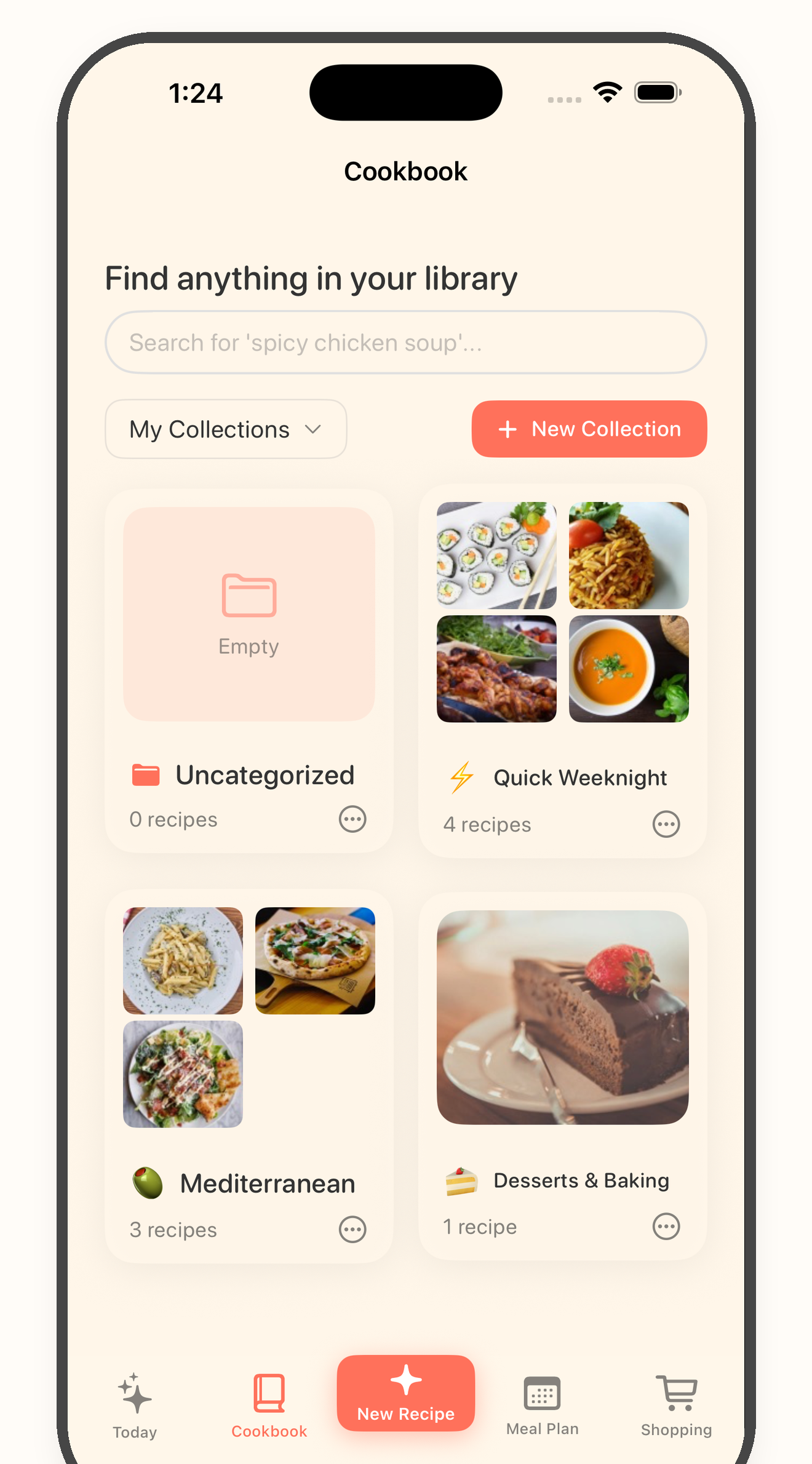
Bytful helps iPhone cooks turn useful Pinterest recipe links, readable screenshots, copied text, and source pages into reviewed recipe cards for planning, shopping, and cooking.
Start free with up to 7 saved recipes. Eligible subscribers can try Bytful Pro free for 7 days.
How to save it
1
Start with a pin, board item, screenshot, or source page that has enough recipe detail. A pretty food photo alone usually is not enough to become a cookable recipe.
2
Open the original recipe page when the pin points to one, copy useful recipe text, or use a readable screenshot or photo. Keep the original source nearby while reviewing.
3
Create a recipe draft in Bytful, then check ingredients, amounts, steps, timing, serving size, and missing context before saving it to your cookbook.
4
Once the card is usable, add it to a meal plan, build an aisle-sorted grocery list, and cook from the reviewed recipe instead of returning to a board full of ideas.
Best source
Pinterest is strong for discovery, but the details can live on the linked website, image, caption, or nowhere at all. Use the source with the clearest recipe information.
No scraping promise
Bytful is a recipe workflow, not a way to bypass private boards, missing source pages, or incomplete pins. The review step keeps weak recipe ideas from reaching your grocery list.
Cookbook workflow
Pinterest can collect thousands of ideas. Bytful is better for the recipes you want to repeat, organize, plan, shop from, and follow in the kitchen.
Questions
No. Bytful works best when the pin links to a full recipe, has readable recipe text, or can be reviewed from a clear screenshot or source page. Some pins are inspiration only.
No. Use content you can open and review on your iPhone. Bytful does not bypass private boards, missing source pages, or incomplete recipe details.
Yes, after the recipe is saved and reviewed in Bytful. Add the saved recipe to a meal plan, then build a grocery list from the planned recipes.
Related Bytful pages
Try one recipe first