1
Save the recipe source
Start with the recipe where you found it: a post, website, photo, screenshot, note, or pasted text. Bytful turns the recipe into a card you can review before planning from it.
Halal recipe planning
Bytful helps iPhone cooks save recipes from social posts, websites, photos, screenshots, notes, and text, then review possible preference conflicts before planning, shopping, and cooking. It helps organize the review; you still decide what fits the standards you follow.
Start free with up to 7 saved recipes. Eligible subscribers can try Bytful Pro free for 7 days.
How to save it
1
Start with the recipe where you found it: a post, website, photo, screenshot, note, or pasted text. Bytful turns the recipe into a card you can review before planning from it.
2
Look at the cleaned ingredient list for items that may need extra attention, such as meat, broth, gelatin, alcohol-based flavorings, sauces, or prepared ingredients.
3
If a recipe needs changes, use swap ideas as a starting point to review. Confirm labels, sourcing, and cooking results yourself before relying on a substitute.
4
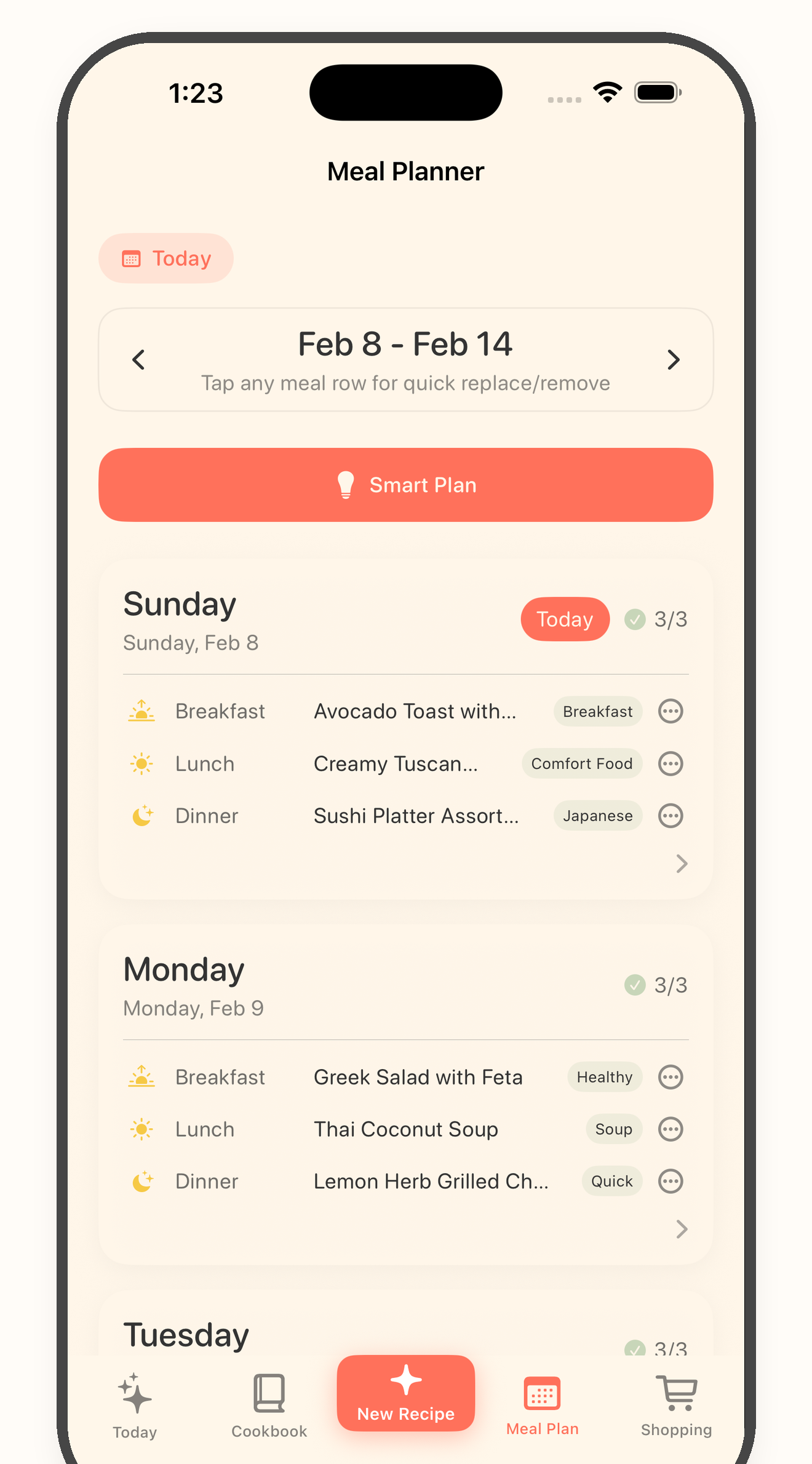
Add only the recipes you have checked to your meal plan. Then build the grocery list from those planned recipes so shopping starts from reviewed decisions.
Capture
Halal-friendly meal planning starts before the plan. Bytful gives you a place to save the recipe first, then inspect it instead of trying to remember every detail later.
Review
Not every saved recipe belongs in your week. Review the ingredients and swaps before a recipe reaches your plan, grocery list, or cooking flow.
Plan
Once the recipe fits your standards, Bytful helps move it into a meal plan and aisle-sorted grocery list so the cooking decision stays connected to shopping.
Questions
No. Bytful helps you save, organize, and review recipes, but it does not certify recipes or ingredients. You should check labels, sourcing, and the standards you follow before shopping or cooking.
Bytful can help with swap ideas to review, such as replacing a broth, sauce, meat, or flavoring. Treat those ideas as prompts to check, not final decisions.
Use the grocery list after you choose reviewed recipes for the plan. That keeps shopping tied to recipes you already checked instead of every recipe you have saved.
Related Bytful pages
Try one recipe first