1
Save the recipe into your cookbook
Start by saving the recipe from a supported source. Bytful turns the recipe into a card you can inspect before it becomes part of your meal plan.
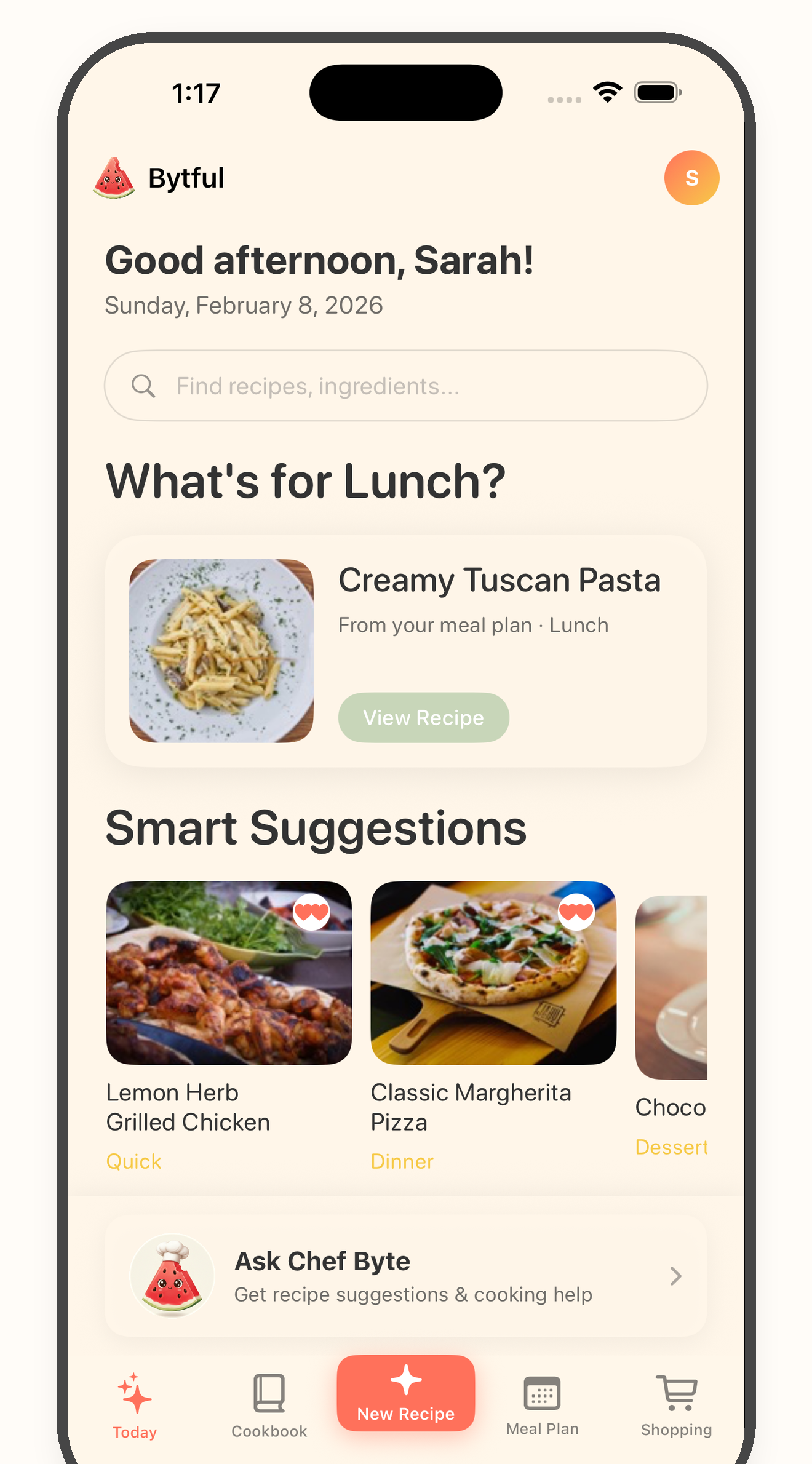
Preference-aware recipe helper
Bytful helps iPhone cooks save recipes, organize them, and review possible ingredient conflicts before planning, shopping, and cooking. Suggestions are there to check, not to replace your own ingredient and label review.
Start free with up to 7 saved recipes. Eligible subscribers can try Bytful Pro free for 7 days.
How to save it
1
Start by saving the recipe from a supported source. Bytful turns the recipe into a card you can inspect before it becomes part of your meal plan.
2
Use diet notes, avoided ingredients, and preference details as review inputs. Keep them specific enough to help you spot recipes that need extra attention.
3
When a saved recipe includes an ingredient that may not match your preferences, treat the flag as a prompt to check the recipe more carefully.
4
Use suggested swaps as ideas to review, then verify labels, allergens, ingredient details, and cooking results yourself before adding the recipe to a plan or grocery list.
Cookbook
A note in your head is easy to miss when recipes are scattered across screenshots, links, and saved posts. Bytful keeps the recipe and review context together.
Planning
Meal planning works better when you review recipes before shopping. That gives you a chance to swap, skip, or edit a recipe while the plan is still flexible.
Careful language
Bytful can help flag possible issues and suggest swaps to check. It does not remove your responsibility to confirm what is actually right for you or the people you cook for.
Questions
Yes. Bytful can use your preferences as review inputs when you save and plan recipes, so you can notice possible conflicts before cooking.
No. Bytful can help flag possible conflicts and suggest swaps to review, but you should verify labels, allergens, ingredient details, and food decisions yourself.
Review recipes after saving and before planning when possible. Then use the meal plan and grocery list only after you have checked any substitutions or concerns.
Related Bytful pages
Try one recipe first