1
Start with the clearest source you have
Use a recipe card, notebook photo, text message, email, screenshot, or copied recipe details. Keep the original nearby so you can compare it against the Bytful card.
Family recipe organizer
Bytful helps iPhone cooks collect family recipes from cards, photos, notes, texts, screenshots, and copied details, then review them as recipe cards before planning, shopping, or cooking.
Start free with up to 7 saved recipes. Eligible subscribers can try Bytful Pro free for 7 days.
How to save it
1
Use a recipe card, notebook photo, text message, email, screenshot, or copied recipe details. Keep the original nearby so you can compare it against the Bytful card.
2
A good family recipe source usually includes ingredients, amounts, key steps, timing, and any family notes that affect how the dish actually comes out.
3
Share a supported source to Bytful or paste the recipe text, then review the title, ingredients, steps, servings, timing, and notes before saving it.
4
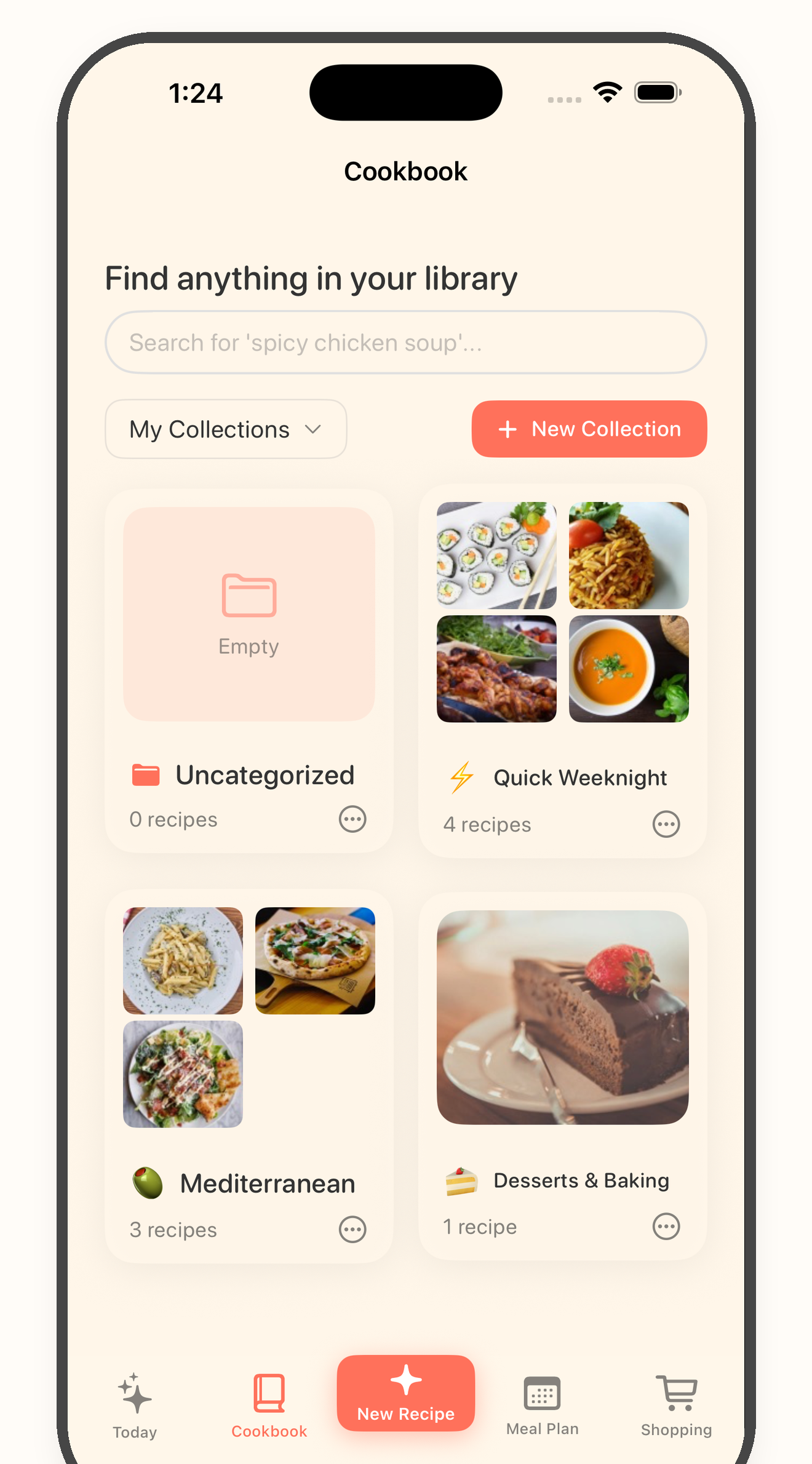
Once the card looks right, add it to a collection, plan it for a meal, build a grocery list, or cook from the reviewed card instead of hunting through photos and messages.
Family archive
One recipe might be split between a photo, a text from a parent, a handwritten card, and a memory about what gets adjusted. Bytful gives the working version one place to live.
Review first
Family recipes can include shorthand, missing temperatures, unclear amounts, or steps everyone used to know by habit. Review the card before you plan, shop, or cook from it.
Cookbook workflow
Bytful is useful when the recipe becomes more than an archive item. Save the reviewed version so it can support collections, meal planning, grocery lists, and Cooking Mode.
Questions
Yes, when the photo or text is readable enough to review. Keep the original card or photo nearby and check the Bytful recipe before saving, shopping, or cooking from it.
No. Treat the original as the source of truth, especially for older recipes with shorthand, family-specific notes, or missing details.
Check the title, source, ingredient amounts, units, steps, timing, temperature, servings, swaps, and any household preference details yourself.
Try one recipe first