Screenshot recipe article
Turn recipe screenshots into a grocery list.
A screenshot saves the idea, but it does not make dinner easier yet. This workflow moves readable recipe images into a reviewed recipe card, meal plan, and grocery list.
Published May 28, 2026.
The core idea
Treat the camera roll like a recipe inbox, not a grocery list.
Screenshots are fast because they avoid a decision. You see a recipe, save the screen, and move on. The problem shows up later when that image is buried between photos, has no searchable ingredients, and still needs to be turned into a meal.
The fix is a short review step. Scan the screenshot into a recipe draft, check the details, save the recipe only if it is worth cooking, then let the planned recipe feed the grocery list.
Five-step workflow
From screenshot to shopping list.
1
Pick screenshots that have enough recipe detail
Choose images that show ingredients, quantities, and useful cooking steps. If a recipe spans several images, keep the related screenshots together.
2
Scan the image into a recipe draft
Use Bytful to read visible recipe text from screenshots or photos, then create a draft recipe card you can review before saving.
3
Review the card before relying on it
Check the title, serving size, ingredients, amounts, units, and steps. Blurry images, cropped captions, and social posts can leave gaps.
4
Save it only if you want to cook it
A grocery list works best when it starts from recipes you actually plan to make, not every screenshot in your camera roll.
5
Build the list from planned recipes
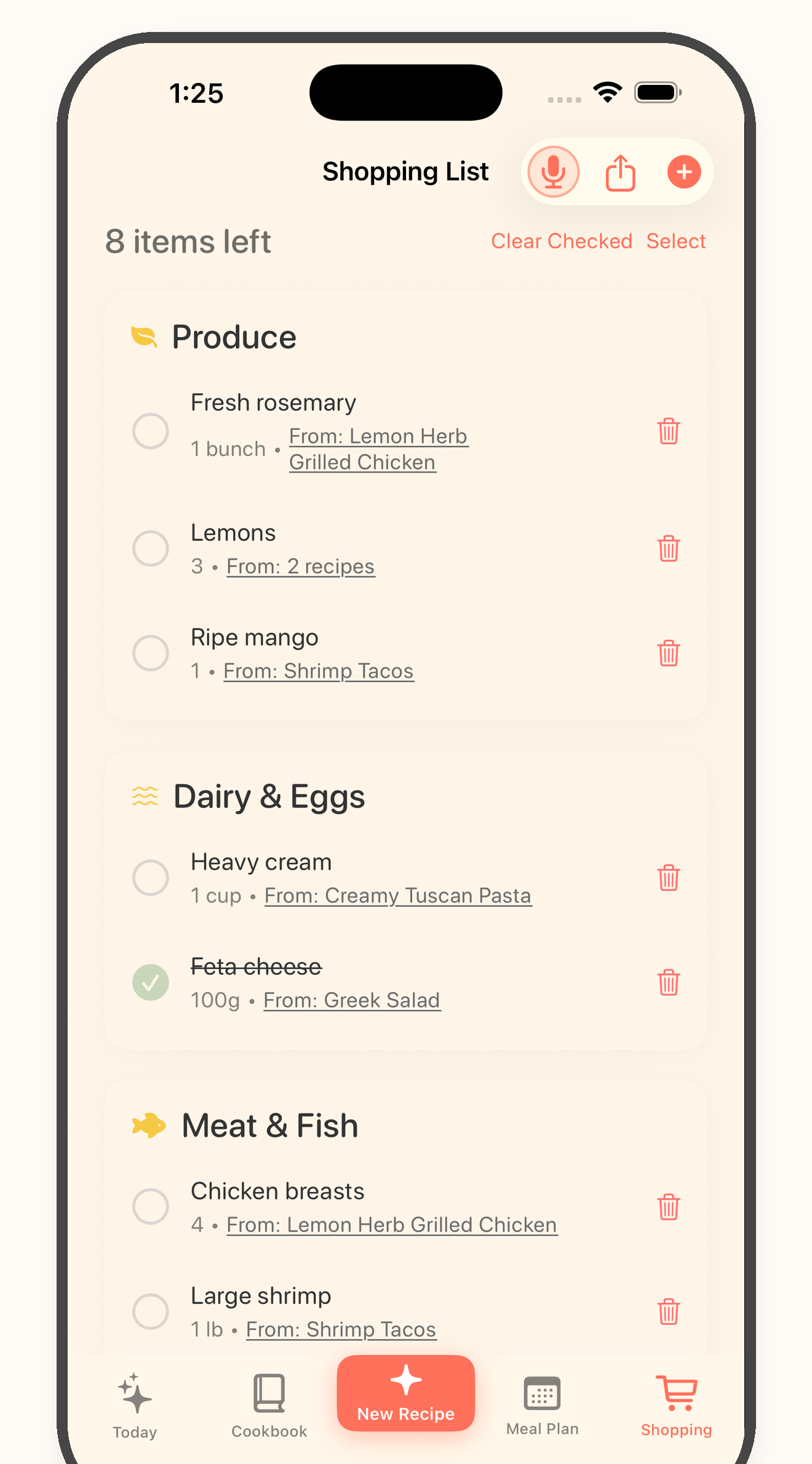
Add the saved recipe to a meal plan, then turn planned recipes into a grocery list and review pantry items, duplicates, and swaps before shopping.
Before the list
Make sure the recipe is list-ready.
A screenshot can be missing context: serving size, full ingredient amounts, cook time, or a step hidden in the caption. Use this check before you shop.
Screenshot cleanup checks
- * The screenshot is readable enough to scan.
- * Ingredients and steps are visible or easy to fill in.
- * Quantities and units were checked after import.
- * The recipe is something you plan to cook soon.
- * Pantry staples were removed before shopping.
- * Duplicate ingredients across recipes were merged.
Keep going
Turn the screenshot into dinner.
Guide
Recipe screenshot to grocery list
The full Bytful flow for scanning, reviewing, planning, and shopping from a recipe image.
Guide
Save recipe screenshots as cards
Move useful recipe text out of your camera roll and into a searchable recipe card.
Tool
Grocery list readiness checklist
Check whether your planned recipes are ready to become a shopping list.
Try one screenshot first
Save one recipe image, review the card, and build a cleaner list.
Start free with up to 7 saved recipes. Eligible subscribers can try Bytful Pro free for 7 days.