Recipe workflow comparison
Recipe organizer vs meal planner: what you actually need.
If your recipes are scattered everywhere, a meal plan alone will not fix the problem. If your cookbook is organized but dinner still feels random, a planner matters. The best setup connects both.
Published May 28, 2026.
Choose a recipe organizer if
- You lose recipes after saving them
- Your camera roll, bookmarks, and social saves are messy
- You want recipes searchable before you decide what to cook
Choose a meal planner if
- You already know the recipes you trust
- Your main problem is assigning meals to days
- You want less dinner decision fatigue during the week
Choose a connected workflow if
- You need to save, organize, plan, shop, and cook
- Recipe capture and grocery lists are both part of the problem
- You want one system for saved ideas and real dinners
Recipe organization and meal planning solve different parts of the same kitchen problem. A recipe organizer answers, “Where did I save that?” A meal planner answers, “What am I cooking this week?”
Most people need both eventually, but the order matters. If dinner ideas live in saved posts, screenshots, website tabs, photos, notes, and text messages, start by capturing and reviewing the recipes. Then plan from the recipes that are actually usable.
What a recipe organizer should do
A useful recipe organizer gives messy recipe ideas a home. It should help you save from more than one source, check the recipe details, and find the keeper again later. It should not force every saved idea into this week’s meal plan.
What a meal planner should do
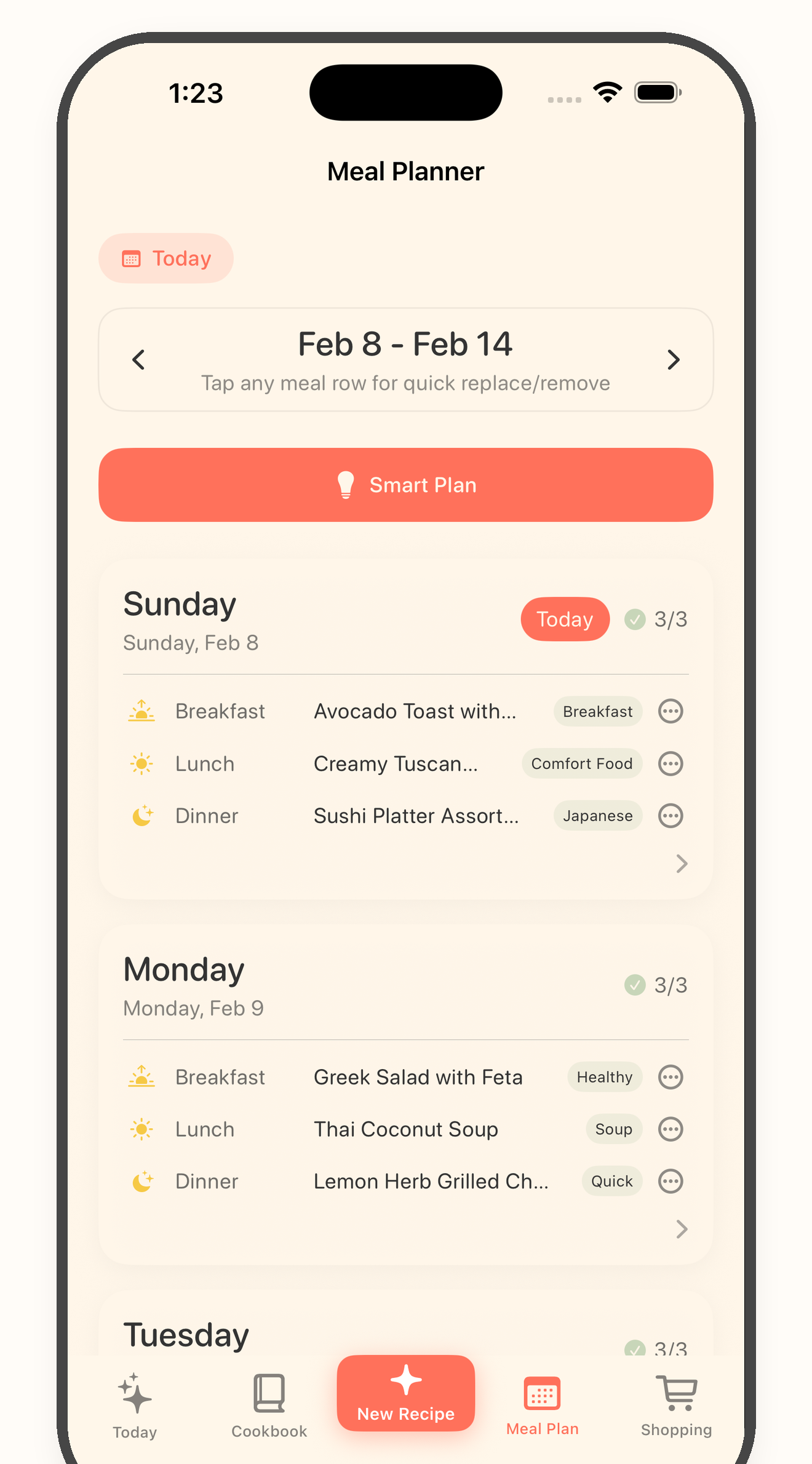
A useful meal planner narrows the field. It turns saved recipes into a short list of meals for real days, then gives the grocery list a clear source. That keeps shopping from becoming a dump of every recipe you ever liked.
The practical answer
If you are starting from recipe clutter, begin with a recipe organizer. If you already have a trusted set of recipes, add meal planning. If your real problem is the whole path from saved post to grocery list to cooking, use a workflow that connects the pieces.
Decision path
Pick the system based on the first broken step.
1
Start with where your recipes live now
If recipes are spread across Instagram, TikTok, Facebook, websites, photos, screenshots, notes, and copied text, start with organization before meal planning.
2
Separate the cookbook from the weekly plan
Your cookbook can hold recipes you might cook someday. Your meal plan should only hold recipes you actually expect to cook soon.
3
Build the grocery list from planned recipes
A grocery list is easier to trust when it comes from a small weekly plan, not from every recipe you have ever saved.
4
Keep cooking tied to the reviewed recipe
Once the recipe is cleaned up, cook from the card instead of jumping back to the original post, screenshot, video, or note.
Recipe organizer vs meal planner questions
Is a recipe organizer the same as a meal planner?
No. A recipe organizer helps you capture and find recipes. A meal planner helps you decide what to cook on specific days. The strongest workflow connects both.
Do I need a meal planner if I already have a cookbook app?
You might if you often ask what to cook this week or rebuild grocery lists manually. The meal plan turns saved recipes into near-term meals.
Where does Bytful fit?
Bytful is built for the connected workflow: save recipes from multiple sources, review the card, organize the cookbook, plan meals, build grocery lists, and cook from the recipe.
Related resources
Keep the workflow moving.
Feature
Recipe organizer
Save recipes from the places they already live and keep the keepers searchable.
Feature
Meal planner
Plan meals from the recipes you already saved instead of starting from a blank week.
Tool
Meal plan template
Turn saved recipes into a weekly plan before building a grocery list.
Start with one recipe
Save one recipe, then decide if it belongs in this week’s plan.
Bytful is live for iPhone and starts free. Use it to save recipe ideas, review the keepers, plan meals, shop, and cook.